14096179402
academy
Security
Privacy
Performance
English

Free Anti-Ransomware Protection & Removal Tool

Remove ransomware and protect your Windows, Android, Mac, or iOS device with Avast One — the award-winning, 100% free anti-ransomware tool. Stop dangerous ransomware and other threats before they can harm your files.

av-comparatives-top-rated-2025
2025
Top Rated
Product
av-lab-product-of-the-year-2026
2026
Product
of the Year
Powerful ransomware scanner
Shop and bank securely
Award-winning protection
Trusted by over 400 million users
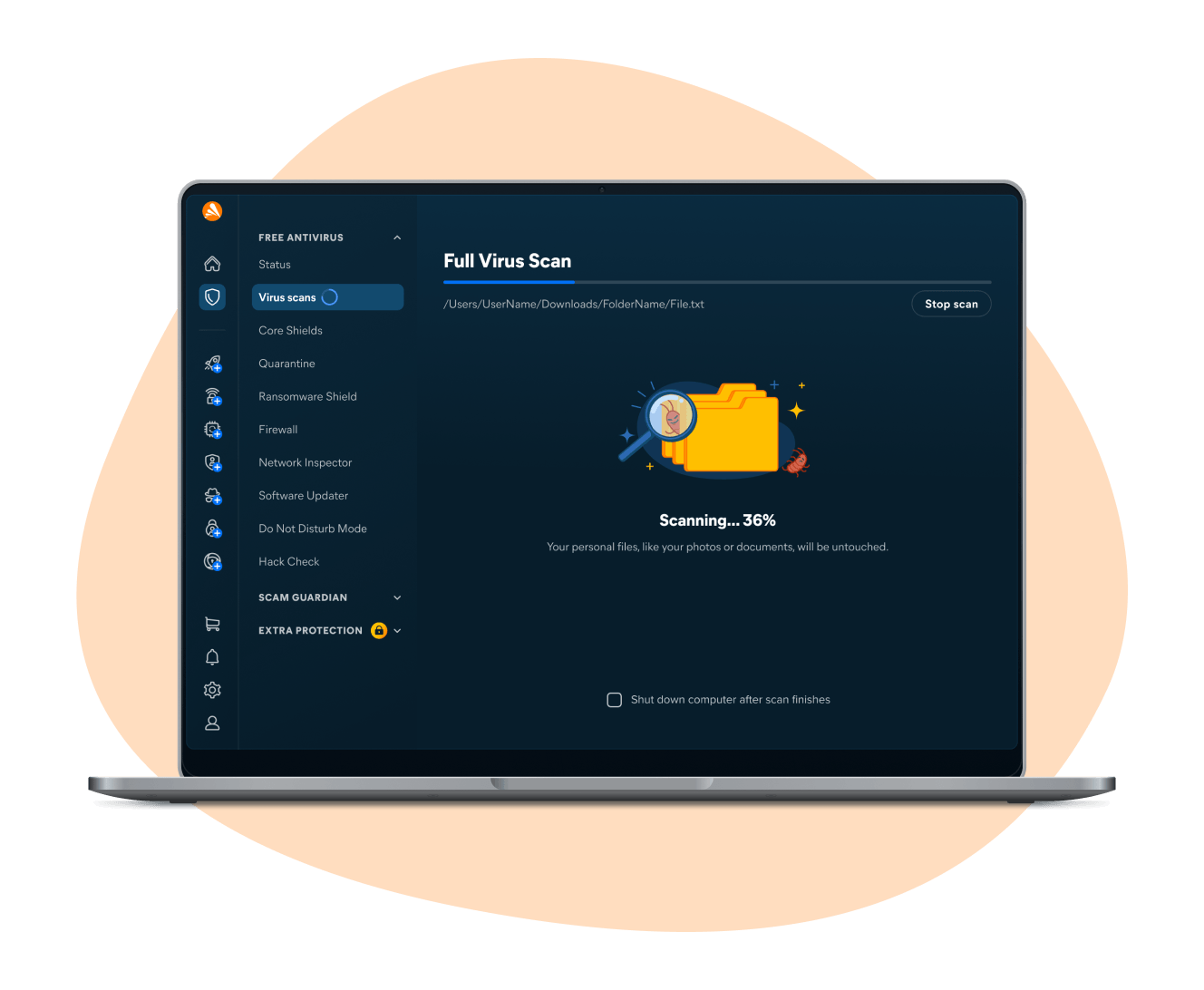
Free ransomware scanner and ransomware protection

Free ransomware scanner and ransomware protection

Avast has been stopping ransomware for years, and we’re only getting better with age. With Avast One, you’ll enjoy the world’s largest threat-detection network and free machine-learning ransomware protection in a single, lightweight security tool.

The benefits of Avast’s ransomware scanner and remover


Find ransomware

We’ll scan for and remove the malware that’s putting your PC at risk, no matter where it’s hiding.

Behavior Shield

Alerts you immediately if unusual app behavior is detected that may indicate a threat.

Malware alerts

If unusual app behavior is detected, you’ll see an immediate alert to block the threat.

File Shield

Blocks malicious files and programs from opening, and alerts you if new dangerous files are detected.

24/7 updates

We update our software constantly to protect against new and emerging ransomware strains.

Quarantine

Isolates potentially harmful files from the rest of your system to keep your computer safe.

Award-winning ransomware protection

Avast One is packed with powerful security features and built on top of an industry-leading antivirus threat-detection engine. Avast’s top-performing cybersecurity engine has been winning prestigious awards for years:

A ransomware scanner trusted by over 400 million users

But don’t just take our word for it.

    Macs and mobiles need ransomware protection, too

    Ransomware can hold any device hostage, including Macs and mobile phones. Avast’s free antivirus software will help you protect against and remove ransomware from any device.

    MAC
    Android
    IPHONE/IPAD
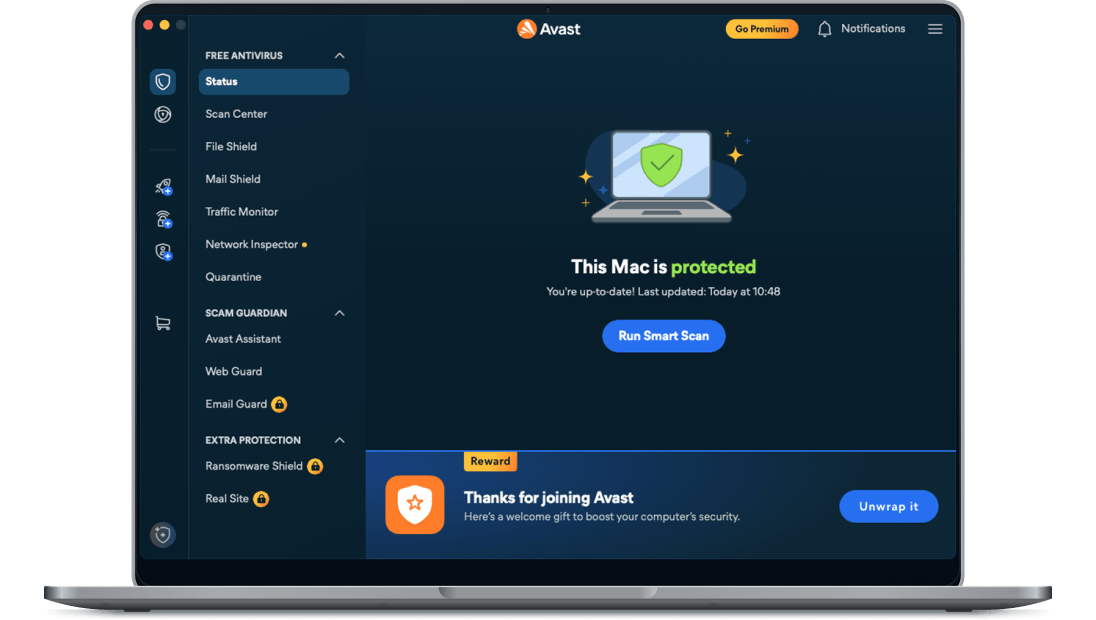
    Avast’s antivirus software for Mac strengthens Mac’s built-in security with specialized protection against malicious threats. Our leading security tool fights malware like ransomware and viruses while also countering phishing attacks, malicious websites, and Wi-Fi snoops.
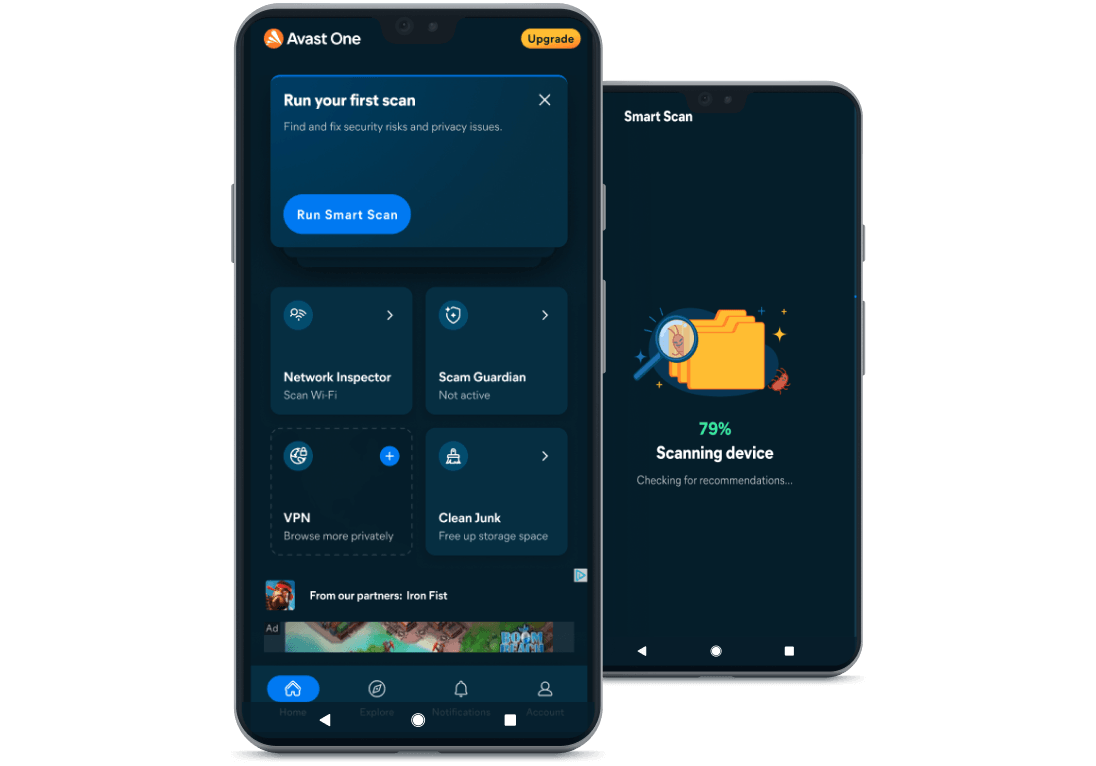
    Avast’s Android security tool gives your phone the same ransomware-stopping power your PC enjoys. With one of the world’s largest threat-detection networks, our security app protects against mobile malware while helping you avoid phishing attacks and Wi-Fi threats.
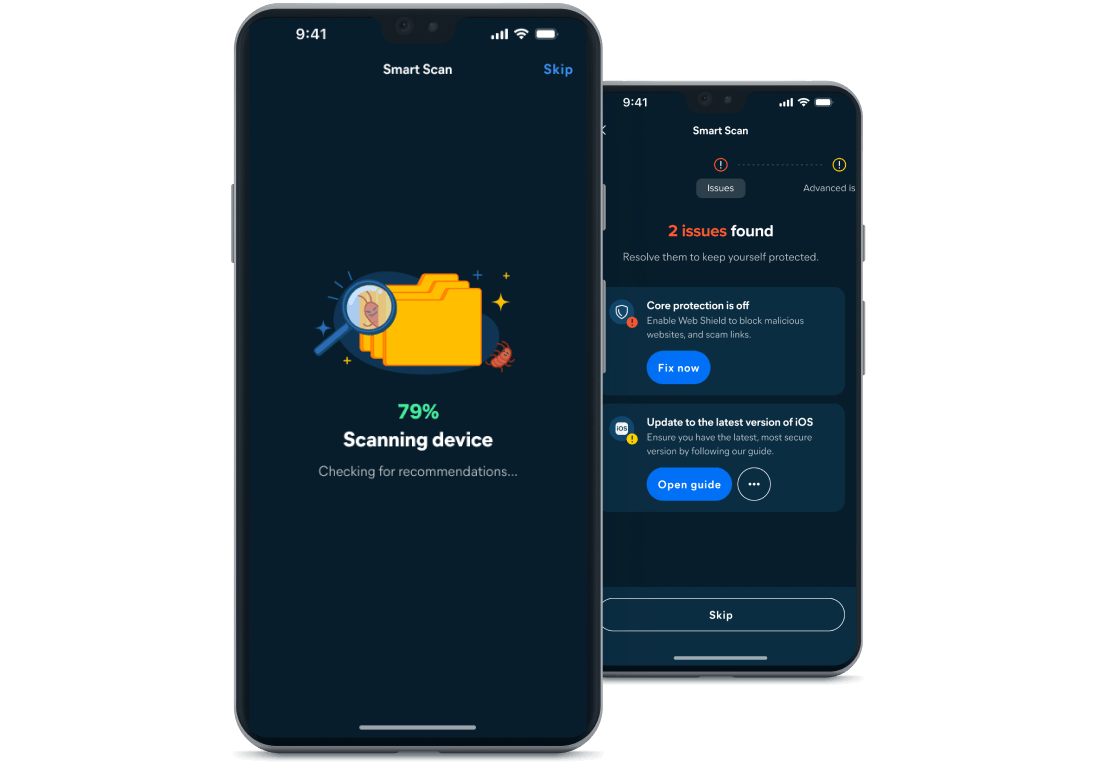
    Avast’s iOS security app bolsters Apple’s built-in security features by blocking ransomware and other malware and helping you browse the web safely.

    Download our free ransomware protection and removal tool

    Avast One is a powerful anti-ransomware tool to keep your PC safe, or to remove ransomware from an infected system. Best of all? It’s absolutely free.

    FAQs

    How can I prevent ransomware?

    The best way to avoid ransomware and other malware is to use a powerful antivirus tool while also practicing safe online habits, such as not clicking strange links or downloading unknown files.

    Is ransomware a virus?

    Technically, no. A virus self-propagates, while ransomware encrypts and holds your files hostage. Ransomware is a type of malware — which is an umbrella term that encompasses all kinds of threats, including ransomware and viruses.

    How to remove ransomware from an infected device

    Even if all your files are encrypted, you can remove certain strains of ransomware from your PC, Mac, Android, or iPhone by using a comprehensive anti-ransomware tool like Avast One. There are also free ransomware decryption tools available online. And don’t worry about hackers’ claims that these decryption tools will delete your files — that’s just a bluff to get you to pay the ransom.

    Does the built-in security on Windows 10 provide enough protection against ransomware?

    Windows 10 and 11 both have built-in features that can help protect against ransomware. To enable Windows ransomware protection, find Ransomware protection under the Virus and threat protection tab within the Windows Security app and turn on Controlled folder access.

    Note that Windows Security may not be enough to protect you from all malware strains. A comprehensive cybersecurity solution like Avast One will protect you against emerging malware threats, as well as phishing attacks and data breaches. Plus, Avast One includes an optional VPN and other advanced privacy tools.

    System requirements

    All devices require an internet connection for automatic security and program updates.


    PC with Windows 11, 10, 8.1, 8, or 7 (both the 32 and 64-bit versions, excluding Starter and RT editions), 1 GB RAM and 2 GB of hard disk space, ARM chips Windows 11 only.


    Mac running macOS 10.14 (Mojave) or later, 64-bit Intel or ARM processor, and 1 GB of free disk space.


    Windows 10 compatible

    Get free ransomware protection for Android with Avast One Mobile

    Avast One
    Mobile

    Free install

    Get free threat protection for your iPhone with Avast One Mobile

    Avast One
    Mobile

    Free install

    Get free ransomware protection for PC with Avast One

    Get free ransomware protection for Mac with Avast One

    https://4650993.fs1.hubspotusercontent-na1.net/hubfs/4650993/New_Avast_Academy/academy_new_awards_2025/av-comparatives-top-rated-2025.png 2025
    Top Rated
    Product
    https://4650993.fs1.hubspotusercontent-na1.net/hubfs/4650993/New_Avast_Academy/academy_new_awards_2025/av-lab-product-of-the-year-2026.png 2026
    Product of the Year

    Get free ransomware protection for Android with Avast One Mobile

    Free install
    https://4650993.fs1.hubspotusercontent-na1.net/hubfs/4650993/New_Avast_Academy/academy_new_awards_2025/av-comparatives-top-rated-2025.png 2025
    Top Rated
    Product
    https://4650993.fs1.hubspotusercontent-na1.net/hubfs/4650993/New_Avast_Academy/academy_new_awards_2025/av-lab-product-of-the-year-2026.png 2026
    Product of the Year

    Get free threat protection for your iPhone with Avast One Mobile

    Free install
    https://4650993.fs1.hubspotusercontent-na1.net/hubfs/4650993/New_Avast_Academy/academy_new_awards_2025/av-comparatives-top-rated-2025.png 2025
    Top Rated
    Product
    https://4650993.fs1.hubspotusercontent-na1.net/hubfs/4650993/New_Avast_Academy/academy_new_awards_2025/av-lab-product-of-the-year-2026.png 2026
    Product of the Year

    Get free ransomware protection for PC with Avast One

    Free download
    https://4650993.fs1.hubspotusercontent-na1.net/hubfs/4650993/New_Avast_Academy/academy_new_awards_2025/av-comparatives-top-rated-2025.png 2025
    Top Rated
    Product
    https://4650993.fs1.hubspotusercontent-na1.net/hubfs/4650993/New_Avast_Academy/academy_new_awards_2025/av-lab-product-of-the-year-2026.png 2026
    Product of the Year

    Get free ransomware protection for Mac with Avast One

    Free download